 Kalda
One wallet for all your crypto.
Kalda is a wallet you look after yourself. Hold, send, receive and swap coins from one app. One backup covers them all.

What is Kalda?
A crypto wallet on your phone. No bank or company holds your money. Nobody at Kalda can see it, freeze it or take it.
You hold the keys
Your wallet lives on your phone, locked by your fingerprint, face or PIN. 12 secret words back it all up.
Many coins, one app
Bitcoin, Ethereum, XRP, Zcash, Solana, stablecoins and more. See every coin →
Swap without an exchange
Trade one coin for another right in the app. No account to open. It goes from your wallet to your wallet.
Pay people, not addresses
Save friends as contacts. Then pay them with a tap, without typing long codes.
Private by default
Kalda pays the private way when it can. Send secret messages to contacts, too.
Made for how you use it
Pick an account type: Personal, Business, Investment, Trading or Developer. Compare them →

Every coin, connected
Kalda swaps through several exchanges at once, so almost any coin can become almost any other. Each line is a pair you can swap in one step. Its colour shows who does it.
- NEAR Intents
- THORChain
- Relay
- Uniswap
- Bridges
The cheapest road, found for you
Kalda checks every road, through up to three other coins. It gets a price for each and takes the one that leaves you the most. You confirm once; Kalda does every step.

The 36 roads Kalda weighs to swap Stellar for Bitcoin. One of them is lit.
See it in action
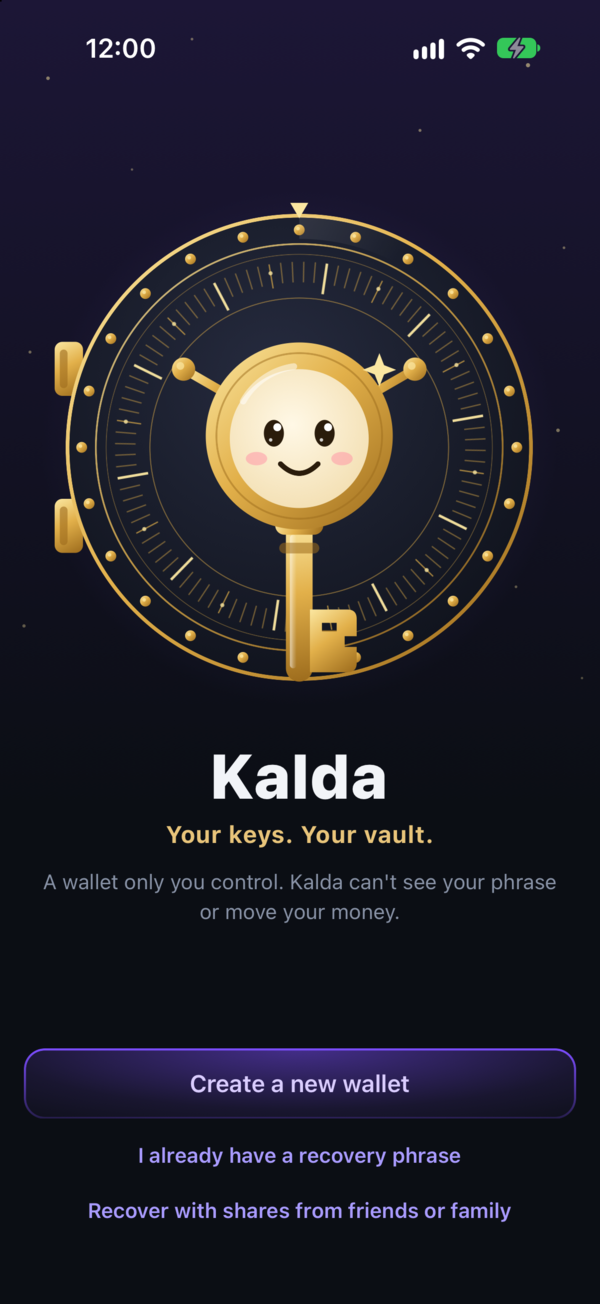
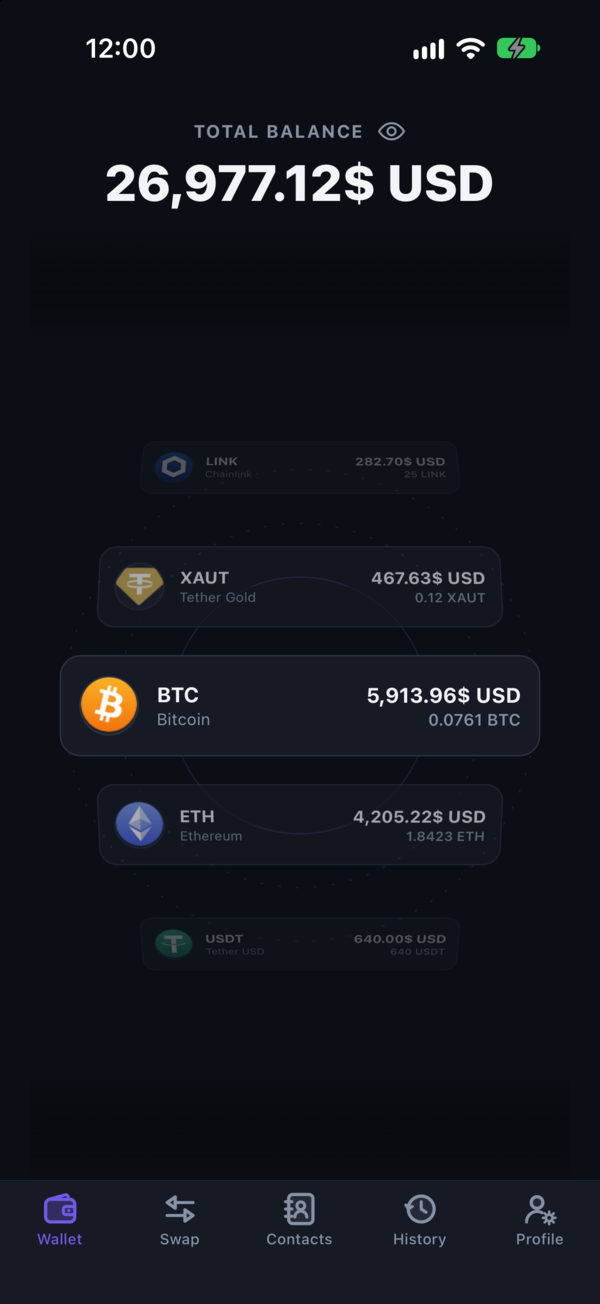
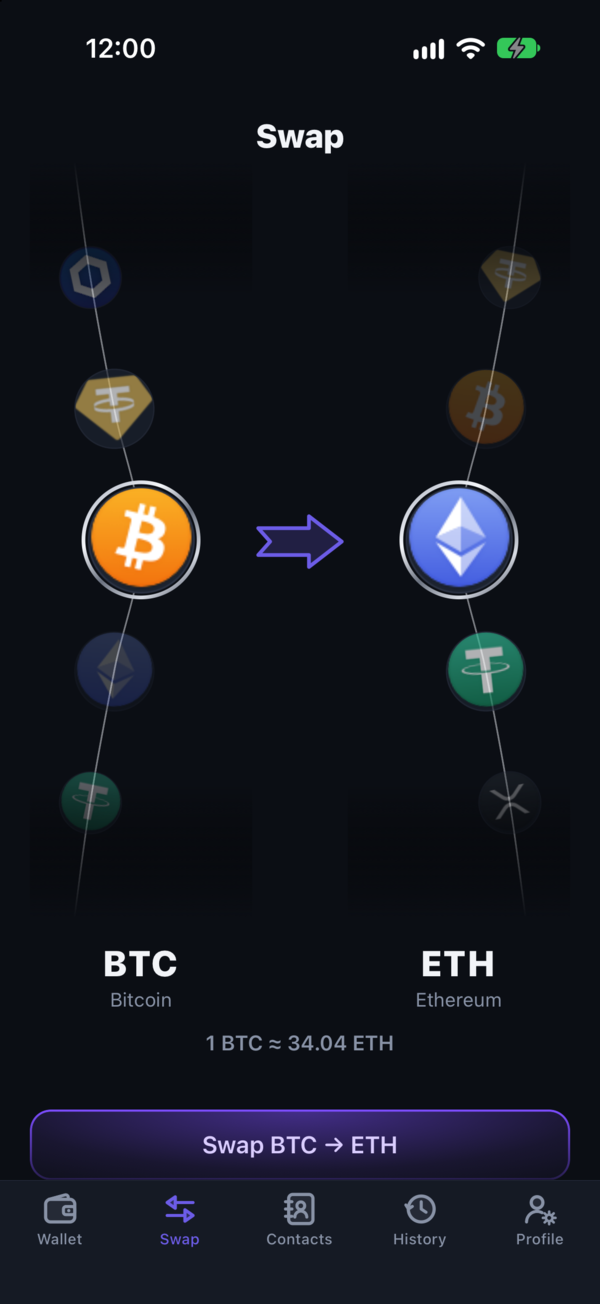
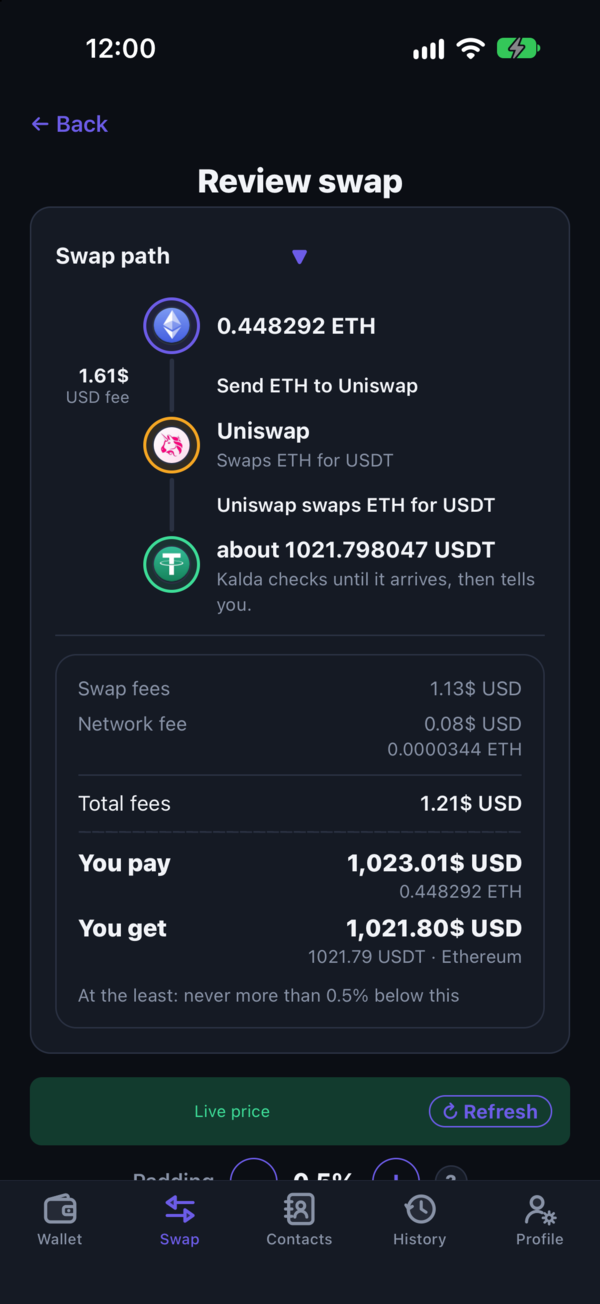
Real screens from the Kalda app.
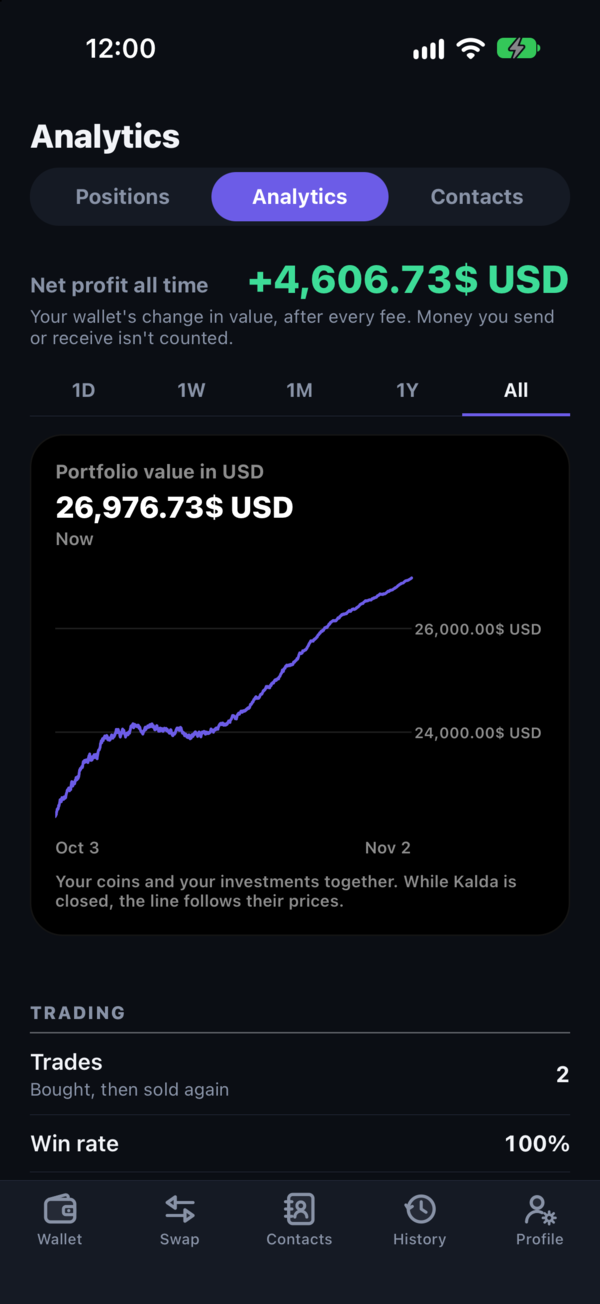
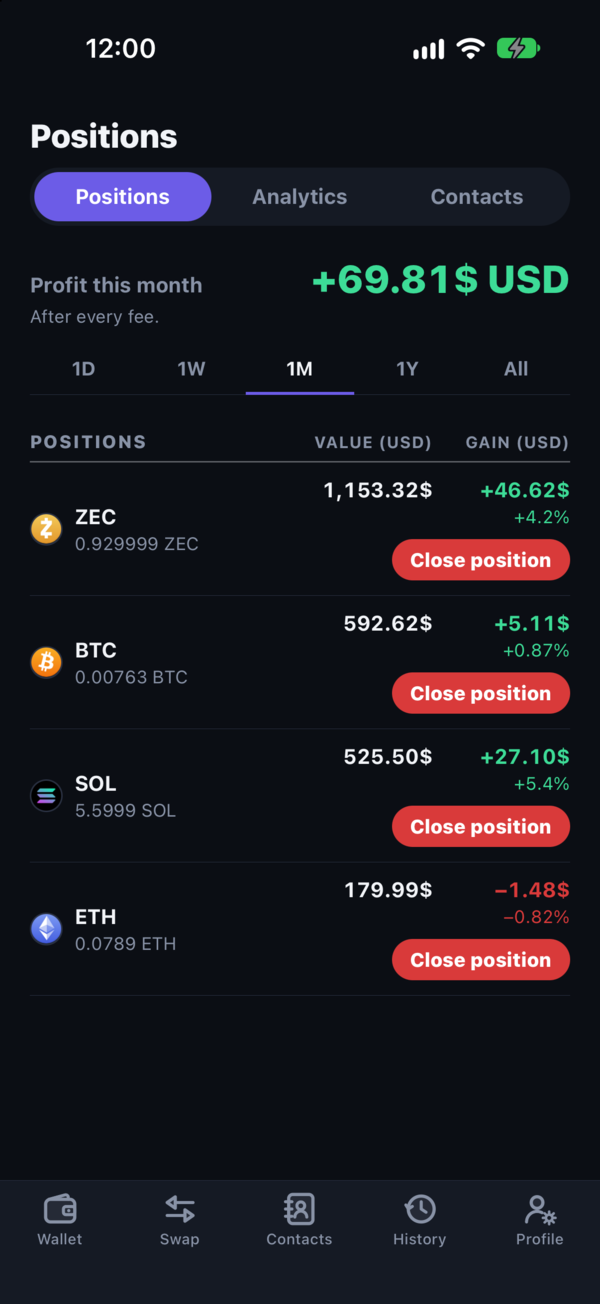
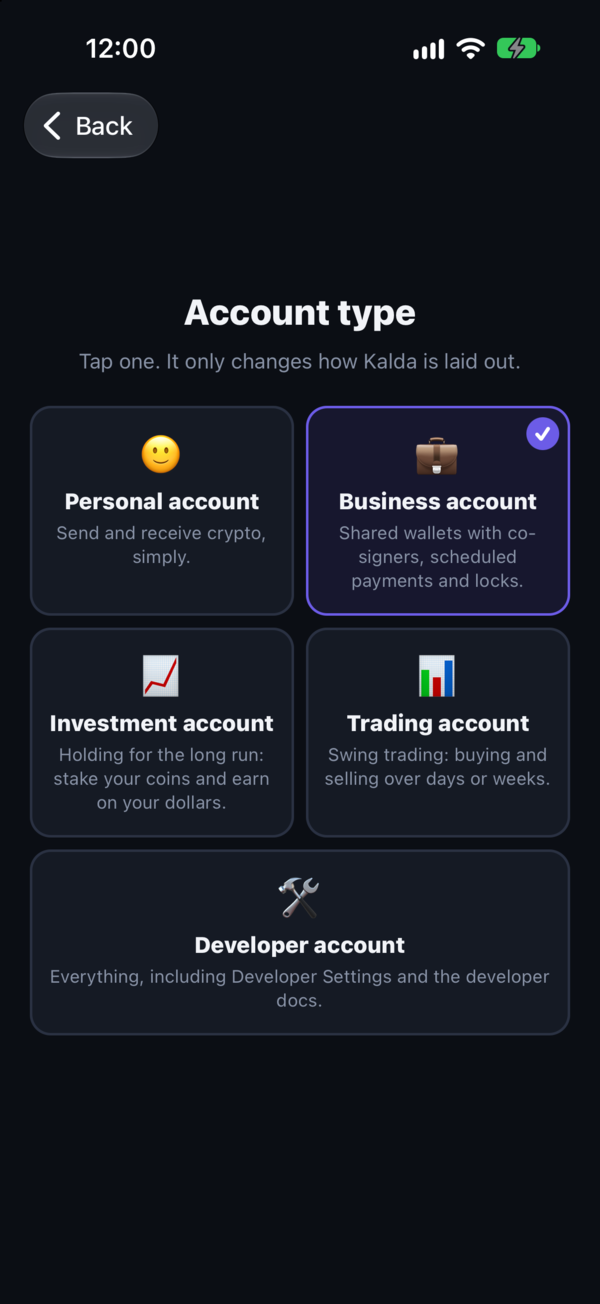
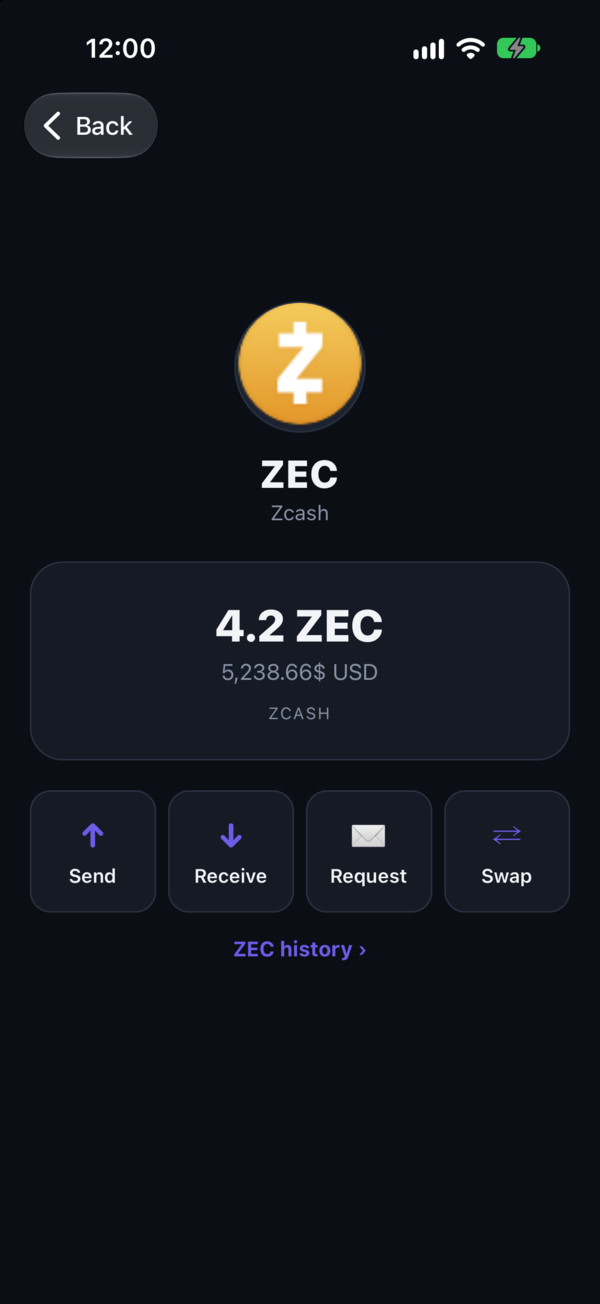
An account for how you use crypto
Kalda asks one question when you start: what will you use it for? Your answer decides what's on screen. Your coins stay the same, and you can switch any time.
Personal
Send and receive crypto, simply.
What it does → 💼Business
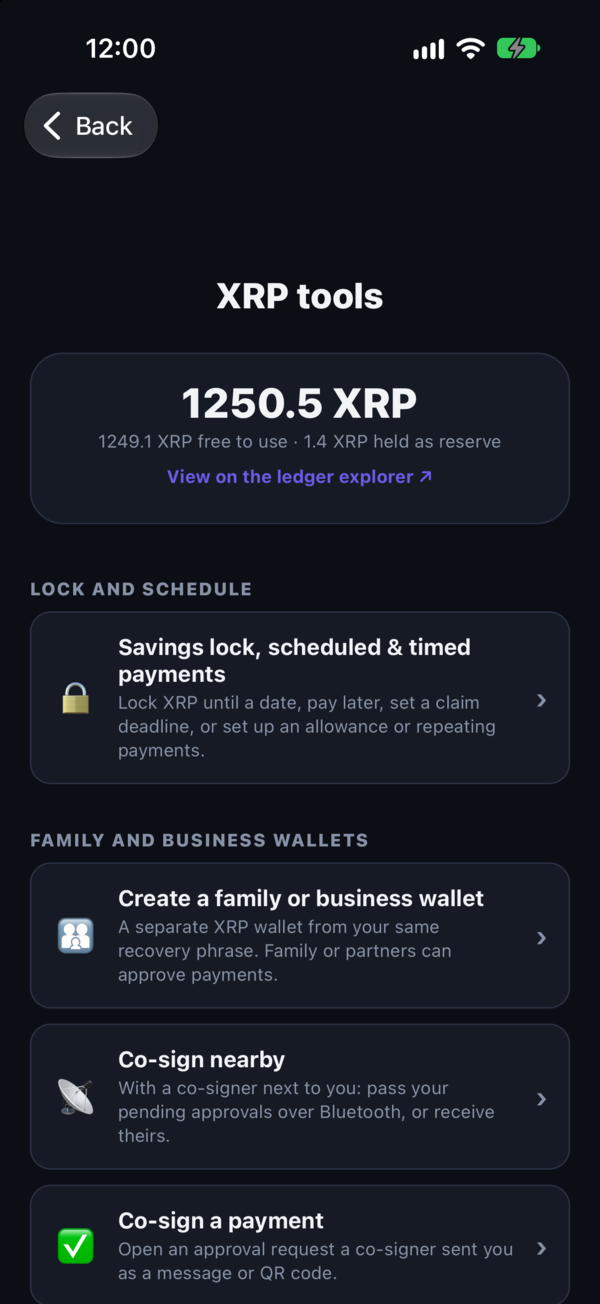
Shared wallets, scheduled payments and locks.
What it does → 📈Investment
Hold for the long run, stake and earn.
What it does → 📊Trading
Buy and sell over days or weeks.
What it does → 🛠Developer
Everything, plus the developer tools.
What it does →Not sure?
Start with Personal. It's the simplest, and you can switch later in Profile.
How to use Kalda
Up and running in a few minutes.
Download and make your wallet
Install Kalda and open it. Pick your account type, then create a new wallet.
Already have one? Choose “I already have a recovery phrase” and type your words.
Write down your 12 words
Kalda shows you 12 words. They are the master key to every coin in your wallet.
Write them on paper, in order. Keep the paper safe. Never show it to anyone.
Get paid
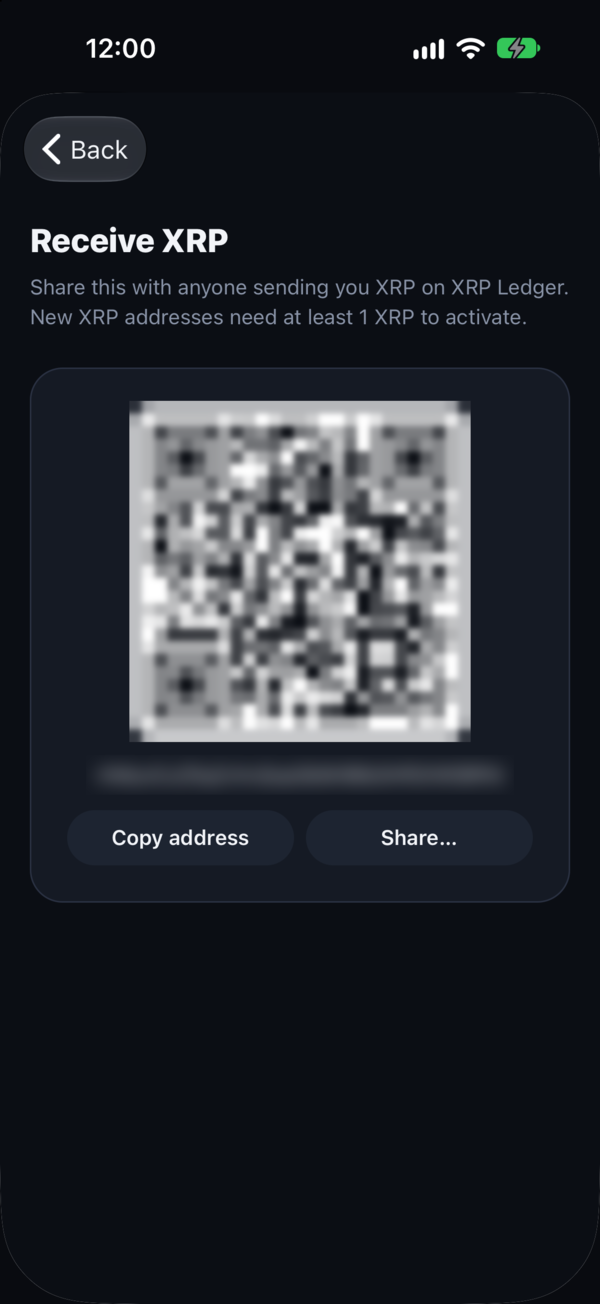
On the Wallet tab, open a coin and tap Receive. Show the QR code or copy your address. It's safe to share.
Pay someone
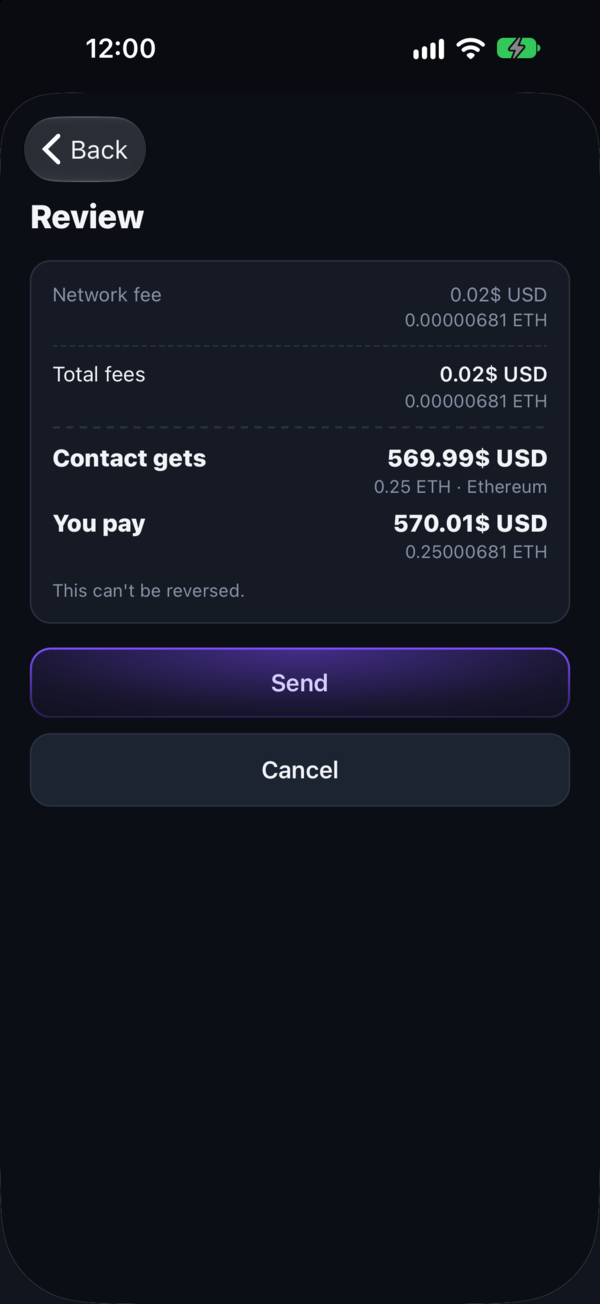
Open a coin and tap Send. Pick a contact, paste an address or scan a QR code. Enter the amount and confirm.
Check before you send. Payments can't be undone.
Add friends with Link Up
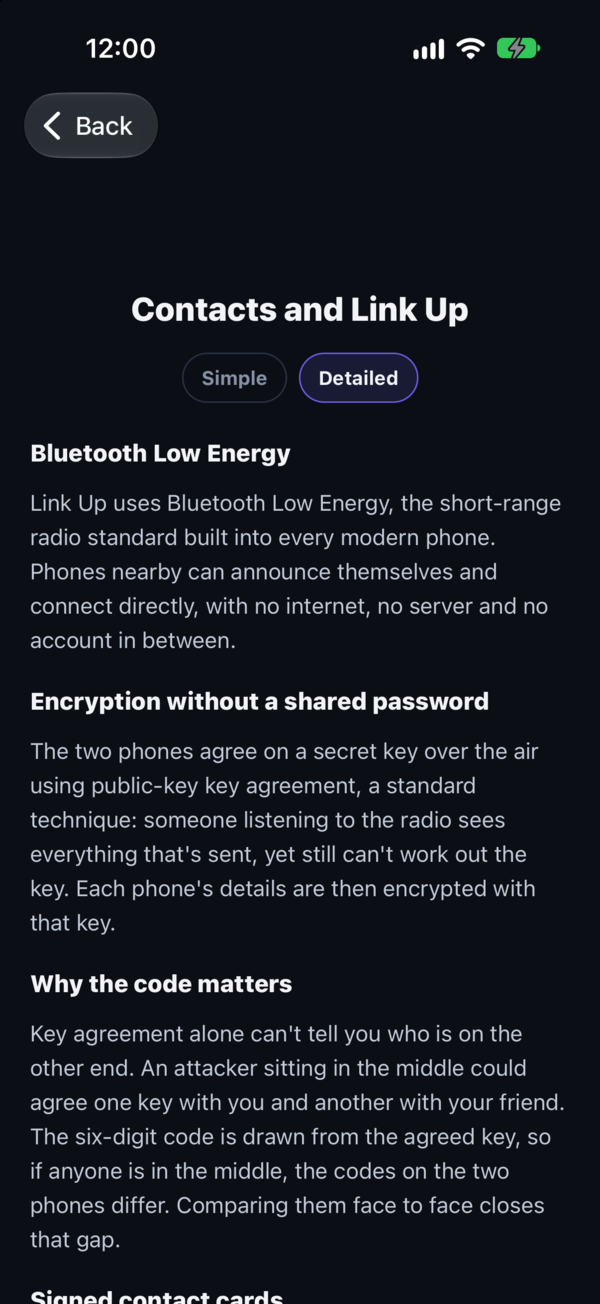
Standing together? Both tap Link Up on the Contacts tab. Your phones swap details over Bluetooth.
Check the six-digit codes match, then save. Far apart? Use Share my contact.
Swap coins
Open the Swap tab. Pick the coin you have, the coin you want and an amount.
You'll see what you get and the fees before you confirm. Track it on the History tab.
Want more? Read the guides. Each feature is explained at three levels: simple, detailed and in depth.
Stay safe
With a self-custody wallet, you're in charge. A few simple rules keep your money safe.
Never share your 12 words
Anyone with them can take everything. Kalda will never ask for them. Neither will anyone honest.
Keep a paper backup
If your phone is lost or broken, your words bring your money back on a new phone. Without them, nobody can.
Check the whole address
Scammers use addresses that look almost the same. Pay saved contacts when you can, and stop if you see a warning.
Payments are final
Crypto has no chargebacks. Once a payment is sent, it can't be cancelled or undone.
Get Kalda
Kalda is coming soon to Android and iPhone. Check back here for the download links.
Questions
Does Kalda hold my money?
No. Your coins live on public blockchains. Only your phone holds the keys to them. Kalda can't see, move or freeze your money.
What if I lose my phone?
Install Kalda on a new phone and choose “I already have a recovery phrase”. Type your 12 words and your wallet comes back.
What if I lose my 12 words?
While you still have your phone, you can see them again under Profile → Backup & security. Write them down right away. If you lose both the words and the phone, nobody can get the money back.
Does it cost anything?
The app is free. Each payment has a small network fee, which goes to the network. Swaps also have fees. You always see them before you confirm.
Can I use my words in other wallets?
Yes, usually. Kalda uses the same open standard as most wallets, so your words aren't locked to Kalda.